A little companion that lives on your Dock. It keeps your habits, agenda, exams and budget, and its mood follows your week.
↓ Download Mochi
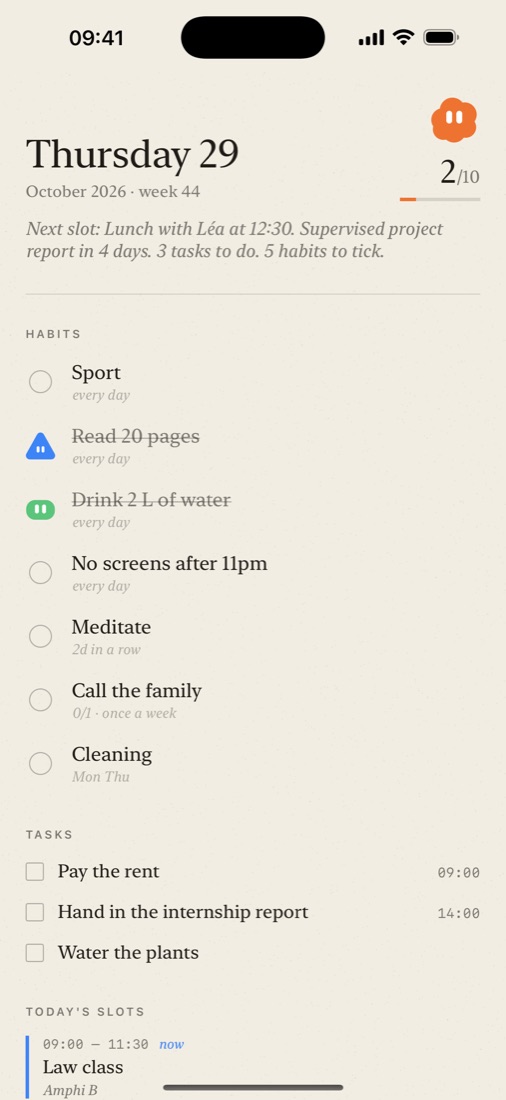
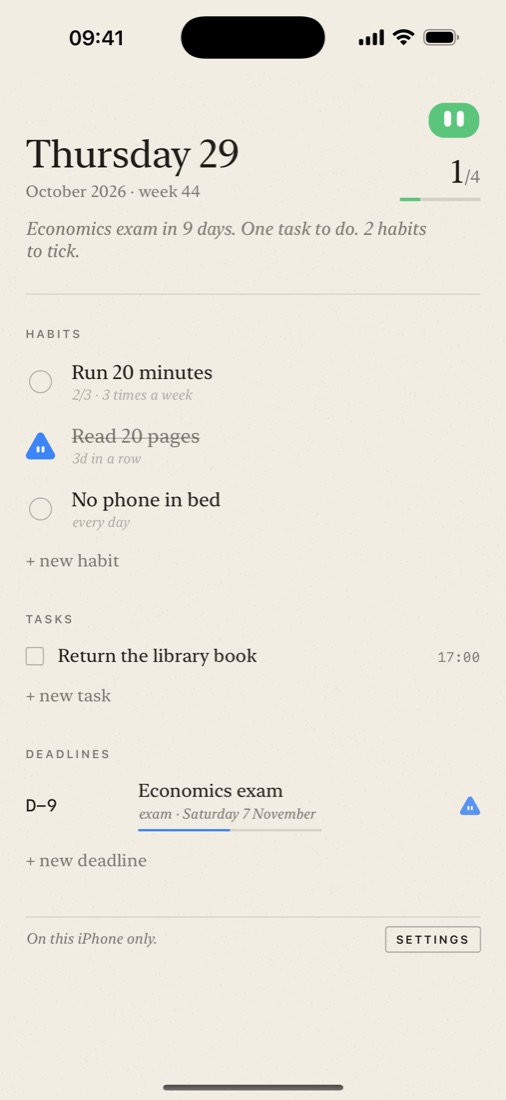
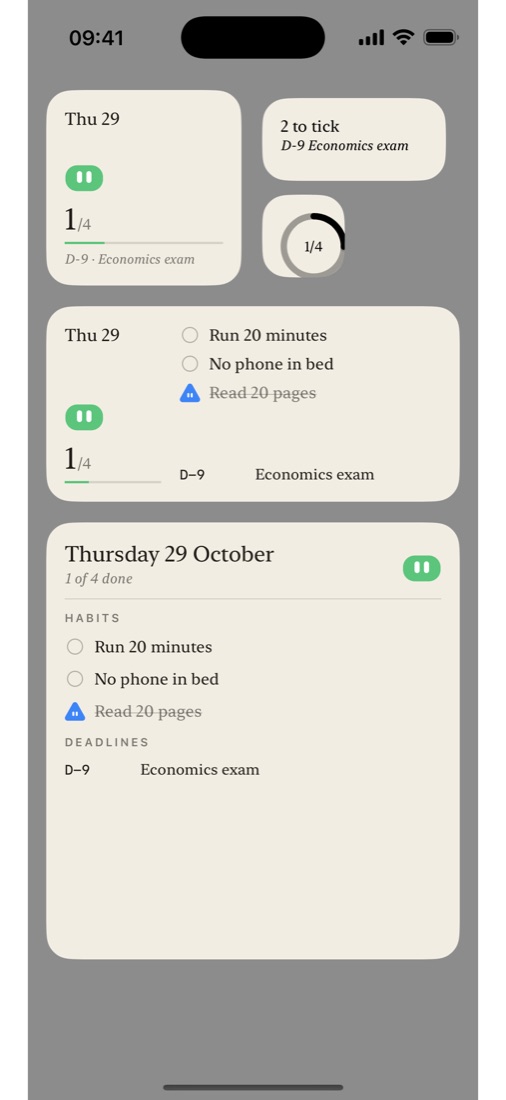
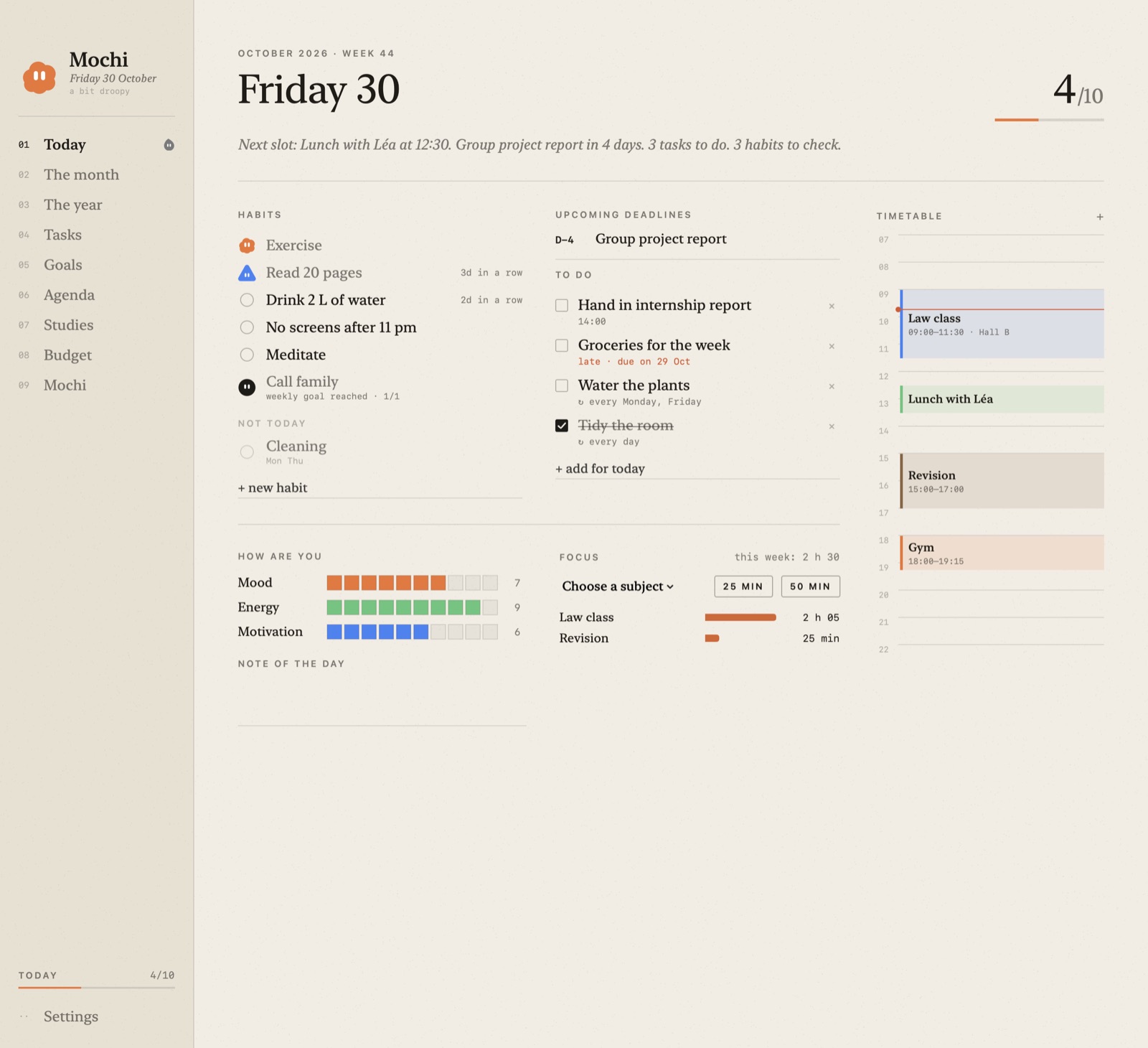
Habits, tasks and deadlines on one page. It works on its own, with no Mac and no account.
A code or a QR code, and your whole notebook follows you: what you tick, create or change on one side reaches the other within seconds. Encrypted with your code, and it doesn't use your iCloud storage.
"Read 20 pages" at 9 pm, only on days it's planned and only if it isn't ticked yet.
The free version keeps 3 habits, 3 tasks and 3 deadlines. Try everything for 14 days; after that, a single purchase, no subscription. Mochi for Mac stays free.
In-class exams, work to hand in, personal projects: Mochi works out the type and files each one under the right course, abbreviations included.
All your dates at once, the way you wrote them down. Mochi guesses the type and the course and spots dates already past; you check before adding.
One button suggests sessions for every exam or assignment that doesn't have enough, in your free moments, never on top of a class.
The coming weeks at a glance: classes and holidays, the preparation for each exam or assignment, your revision sessions.
Cleaning twice a month, the dentist twice a year: the habit comes back in Today at the right moment, then waits for the next month or year.
One or several, with one or several friends. A friend shares a habit you don't have? "Add" brings it over in one click, with the same rhythm.
Next to the habit in Today, and day by day under it in The month. When a friend ticks, their character comes to tell you on your Dock.
"Create a code", send it, your friend pastes it into "Join". Everything is encrypted with the code and goes through Apple's servers without using iCloud storage: neither Apple nor anyone else can read your data.

Each time you open your Mac, Mochi hops up and tells you in a bubble what's ahead: the next class and its room, your tasks, today's habits.
It asks its questions, prepares the full plan up to the date, rest days included, and adjusts it after each session based on how you felt.
Right-click a slot: "on weekdays I don't like running at lunchtime". Mochi remembers and won't plan anything there again.
Trace one outline and pick a colour. Mochi rounds the shape, adds the eyes and fits it to wear accessories.


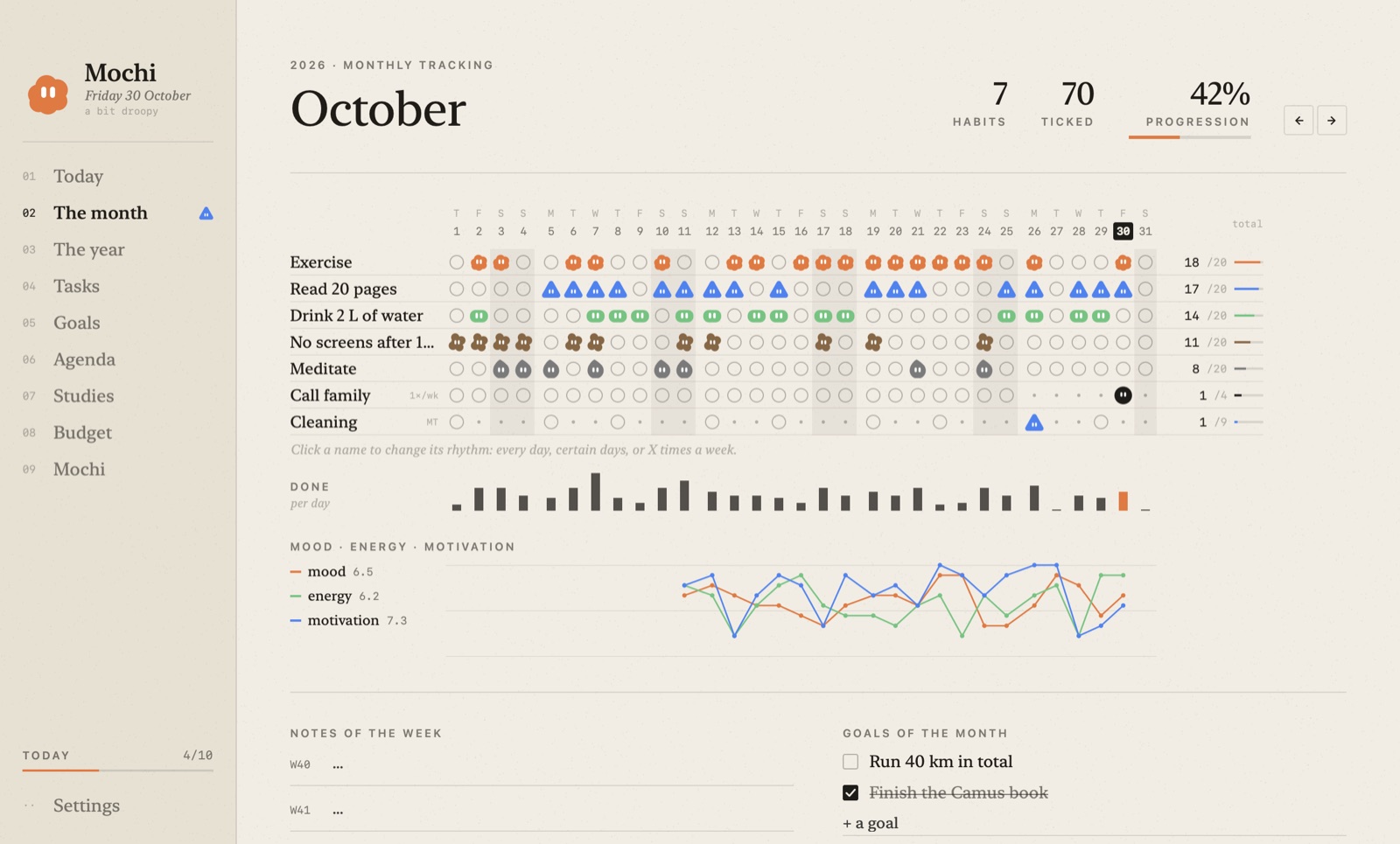
Every day, some days, three times a week, twice a month or once a year. A monthly grid, like a bullet journal.
When you open your Mac: the weather, your first class and its room, exams coming up. Then mood, energy, motivation.
Your timetable imported from a PDF, exams, assignments, applications, a timeline of the weeks ahead and a focus timer per subject.
Drop in your bank statement: expenses are sorted, and the charts show where your money goes.
From any app: "revise maths Thursday 6 pm". Done. Press twice to dictate.
A letter to yourself, sealed until the day you choose: after exams, in six months, in a year.
Mochi works entirely without AI. To talk to it ("organise my week", "sort this statement"), connect the service you prefer: a free NVIDIA key, Claude, OpenAI, Mistral, Groq, OpenRouter, Gemini, or an AI running on your Mac with LM Studio or Ollama.
Everything stays on your Mac. Only your request to the assistant goes to the service you chose.
Mochi switches to English on its own if your Mac is in English (or in Settings). Received it through WhatsApp and macOS refuses to open it? Download it here instead. Otherwise, in Terminal: xattr -dr com.apple.quarantine /Applications/Mochi.app